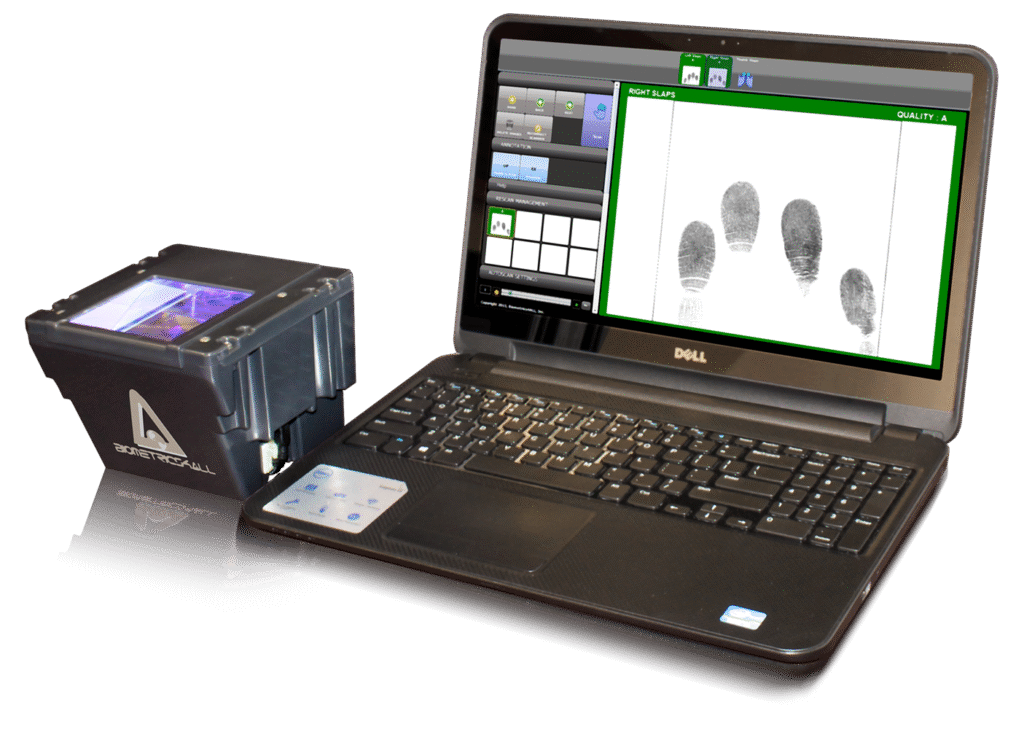
Fingerprint Rolling Fee: $35 ( includes live scan fingerprinting fee, make appointment, BCIA 8016 Forms, enter data online, and track transaction status).
CAL-DOJ and FBI Fee: Varies from $0 to $81 depending on the Application Type
Private Business Accounts Available
Does your business or organization need regular live scan services? Sign up for a private business account today! You will only pay one bill per month without any additional cost to you. Sign up today by giving us a call!
Requesting Agency will receive Cal-DOJ results typically within a few hours via Cal-DOJ’s email portal.
FINGERPRINT ROLLING FEE: $35 (Includes live scan fingerprinting fee, make appointment, enter data online, 8016 Forms, and track transaction status).
CAL-DOJ and FBI FEE: Varies from $0 to $81 depending on the Application Type.
You can pay by Zelle, Cash. If you pay by Credit Card, Debit Card – 3% of total fee will be added in.
A printout of the Request for Live Scan Form.
Non-expired Approved Primary Identification. Approved ID includes:
State-issued driver’s license.
S. Passport or U.S. Passport Card.
Federal Government Personal Identity Verification Card (PIV).
Uniformed Services Identification Card.
Department of Defense Common Access Card.
Foreign Passport with Appropriate Immigration Document(s).
USCIS-Permanent Resident Card (I-551).
USCIS-Employment Authorization Card (I-766).
Federal, state, or local government agency ID card with photograph.
S. Coast Guard Merchant Mariner Card.
Canadian driver’s license.
State ID card if the state’s identification card standards are the same as for the driver’s license.
Your fingerprints will be submitted to Cal-DOJ immediately after fingerprinting. Typical turn-around time from Cal-DOJ is only a few hours. Virtually all of the fingerprints background check transactions are completed within 48 hours. However, occasionally, transactions can take up to a few weeks. For example, older (age) applicant’s transactions can often take longer due to poorer fingerprint quality or paper based fingerprint records which requires manual handling.
California Department of Justice typically sends the result within 48 hours. However, it can take up to a few weeks. After 2 weeks, visit Cal-DOJ’s Live Scan status website: http://applicantstatus.doj.ca.gov to check on the status of your transaction. You will be asked to enter the live scan assigned 10-digit Applicant Tracking identifier (ATI) for your transaction along with your birth date. You can find the ATI number on the Transaction History page. Please note that the ATI is a combination of capital letters and numbers (e.g. B123ABC789).
If the Cal-DOJ cannot locate your transaction, it does not mean they did not receive it. Generally, it means that they have not completed their processing. Wait a couple more weeks and try again. If after 4 weeks there is still no status, please contact us at support@ApplicantServices.com for further assistance. When emailing us, please include your ATI number, your name, and date of your Live Scan transaction.
Less than 0.5% of the Applicants will be rejected due to poor fingerprint image quality. If you received a rejection notification, click on the Transaction History option, select the transaction, and click on the “Resubmission” link will be made available. First resubmission is free when the following requirements are met:
Must complete the Resubmission within 30 days from the original transaction (we recommend 14 days).
Must reschedule with the Original Live Scan Location to perform the Resubmission.
Rejection must be caused by poor fingerprint quality. If you entered the data incorrectly, you must initiate and pay for a NEW transaction.
We recommend that you apply ample lotion to your hands throughout the day for one week prior to returning to the Live Scan location for resubmission.